Time damages photos in specific, physical ways. Scratches and cracks appear. Fading washes color away. Grainy noise clouds old film, and blurry low-res scans lose their detail. It’s important to know what you’re fixing.
Restoration aims to repair these existing defects, to make the photo whole again. Enhancement, a different beast, tries to add new detail or sharpness that wasn’t there. This list is a practical guide. We tested these tools against real damaged images to see what they actually do, not what they claim.
1. Renew Photo
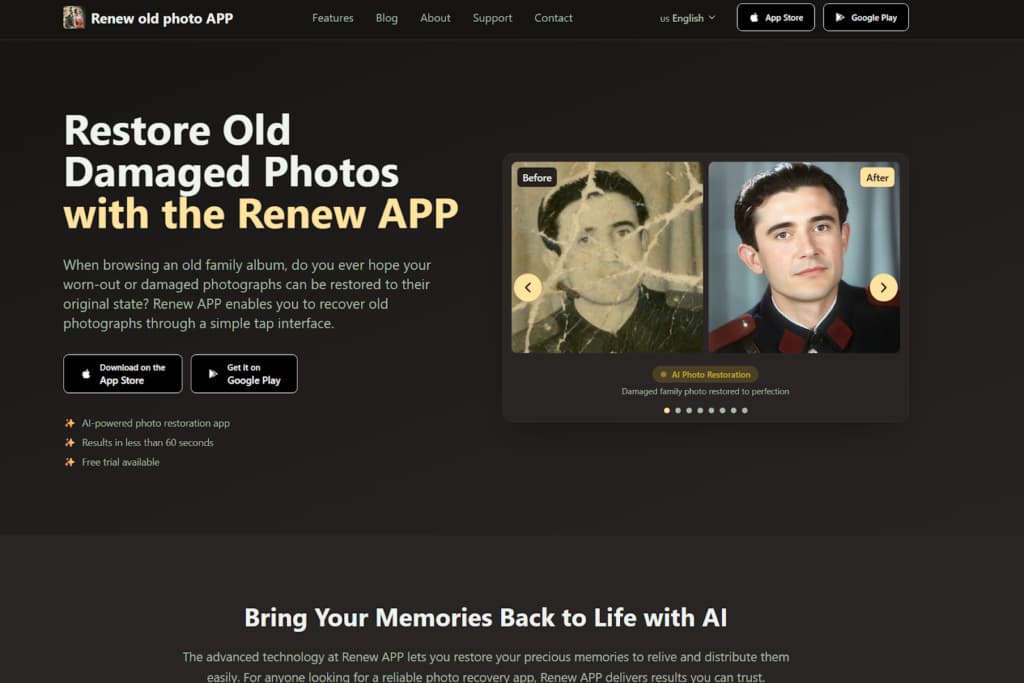
Renew Photo is a dedicated service for fixing aged physical photographs. Its entire operation is built around that single task. The interface is simple: you upload a scanned photo, the AI works, you get a result. It’s for someone with a box of old prints, not a folder of modern digital snaps. The focus is purely on damage reversal.
Core Restoration Capabilities
This tool acts like a digital conservator for common print decay. It targets surface-level degradation you can feel with your finger. The output is generally cleaner, but sometimes at the cost of fine, authentic texture. It applies a uniform correction model. Its automated engine is tuned for a specific set of classic problems:
- Fixing scratches and surface noise on old photos;
- Restoring faded contrast and basic clarity;
- Colorizing black and white photos when needed;
- Improving readability of low-resolution scans.
You get predictable results with evenly faded images or light scratches. Photos with complex damage, like a large missing chunk or intricate textures, often stump it. The repair can look obviously blended, a bit fake.
2. RetroFix
RetroFix is built for speed, not deep editing. It’s a one-click solution. You get a visually improved image fast, with zero manual controls to adjust. This makes it perfect for casual users who want to share a fixed-up memory quickly. It’s not built for archival preservation or meticulous correction. Think of it as a quick polish.
Feature Set And Use Cases
The platform operates on immediacy. It applies a standard set of enhancements designed to make an old photo pop on a phone screen. There’s no finesse, just a broad application of its AI model. Its functionality is streamlined for instant gratification:
- Restoring faded photos with minimal setup;
- Enhancing sharpness without manual retouching;
- Colorizing black and white images for sharing;
- Quick workflow for casual users.
It’s a solid pick when you need a decent result fast and you’re not picky about details. For photos where historical accuracy matters, look elsewhere. The broad-stroke approach often over-smooths or guesses wrong on colors.
3. VanceAI Photo Restorer
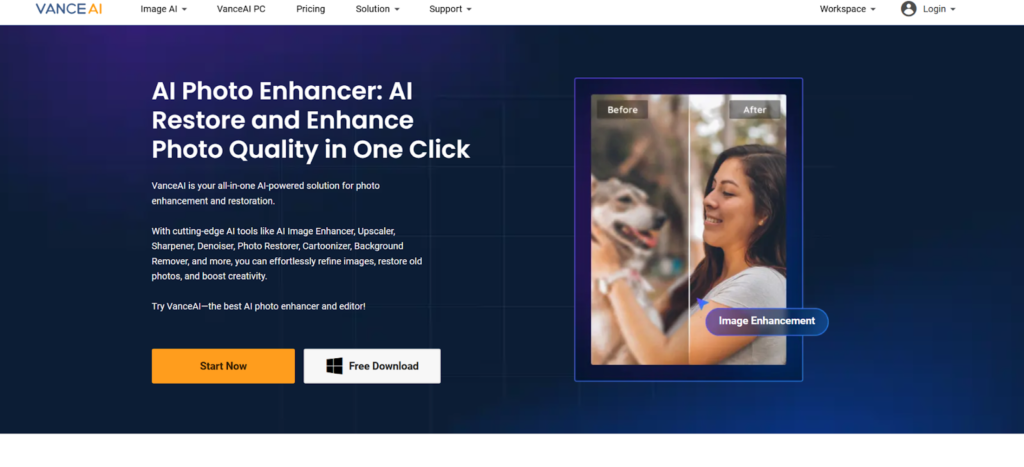
VanceAI Photo Restorer is an online tool with a wider array of automated filters. It goes beyond basic repair, offering options for different types of damage and enhancement. The process remains drag-and-drop simple, but the engine underneath attempts more comprehensive correction. It feels like a batch processor for a small library of damaged images.
Automated Repair Functions
The tool applies a somewhat heavier AI model. It tries to do more at once, including repair, color correction, and detail recovery. This ambition can be good, but it also increases the chance of an overly processed, artificial look. The smoothing can be aggressive. In practice, we observed it performing these combined actions:
- Automatic scratch and crack removal;
- AI color correction and contrast recovery;
- Detail enhancement on low-quality scans;
- Batch-style processing behavior.
It works well for moderately damaged photos where you want an all-in-one fix. The main risk, honestly, is overcorrection. It can “overcook” a photo, leaving faces looking plasticky and textures weirdly uniform. Fine details often get lost in the cleanup.
4. Pixelbin Old Photo Restoration

Pixelbin offers a fast, web-based fix with no frills. It’s a free tool for quick online restoration. The idea is drag, drop, and get a slightly better version of your old photo. There are no manual tools or sliders, just an automated process. It’s for fixing a photo in your browser in under a minute.
Web-Based Restoration Behavior
This service provides a baseline level of correction. It’s like a first aid kit, not surgery. The improvements are broad and designed to be noticeable on a digital screen. It handles obvious problems but ignores subtleties. Our tests showed it consistently executes a limited set of operations:
- Basic repair of faded and low-contrast photos;
- Automatic noise and dust reduction;
- Quick processing without manual tools;
- Output suited for digital sharing.
It’s useful for a quick test or for photos with very minor issues. The limitation is depth. For serious physical damage, such as deep scratches and complex tears, its algorithms do not go deep enough. The result might still show the main defect, just lighter.
5. ImgUpscaler Old Photo Restoration

ImgUpscaler combines two jobs: increasing resolution and performing light restoration. Its primary identity is as an upscaler. The restoration features feel like an added bonus to clean the image before enlarging it. This means it’s great for making a small, decent scan bigger, but weak on serious repair work.
Upscaling And Cleanup Functions
The tool’s logic prioritizes adding pixels smoothly. The cleanup functions serve that goal by reducing noise and minor defects that would look worse when enlarged. It’s not a dedicated repair engine. Its combined approach focuses on these tasks:
- Resolution upscaling for scanned prints;
- Noise reduction and clarity improvement;
- Minor scratch visibility reduction;
- Better performance on moderately damaged images.
It makes sense in a specific workflow. Use it after you’ve fixed major damage elsewhere, to upscale the clean version for printing. Don’t use it as your first and only stop for a torn, stained photograph. It will upscale the damage too.
6. Bylo AI Photo Restoration

Bylo AI is a simple, privacy-focused online restorer. It promises automated processing and file deletion. The feature set is basic, targeting the most common user request: making an old faded photo look vibrant again. It’s for fast, no-fuss corrections where you just want a clearer version to keep.
Online Restoration Workflow
The tool applies a gentle, uniform correction. It’s not aggressive. It aims to brighten, add a bit of color, and clean up the most obvious specks. You won’t find granular control here, just a single-click transformation. According to our data, its automated flow handles these basics:
- Basic correction of faded tones;
- Removal of light surface defects;
- Colorization of monochrome photos;
- Fully automated processing flow.
It’s fine for photos that are just old and dusty, not broken. For complex damage like heavy creases or large scratches, it barely makes a dent. The photo will look brighter but still clearly damaged.
7. PicWish AI Photo Restoration
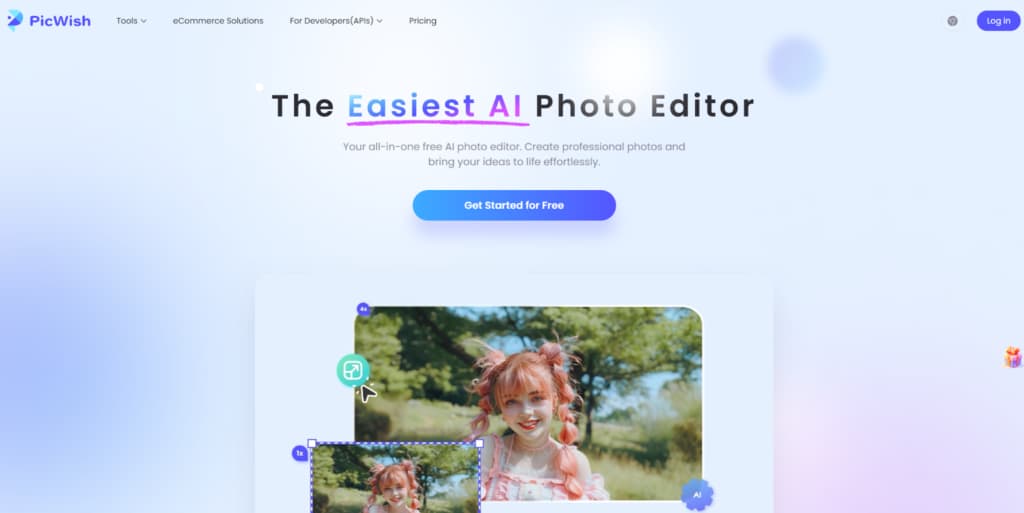
PicWish is another online tool built for speed and simplicity. It’s designed for quick quality bumps, not archival projects. The interface is clean, processing is fast, and the results are geared for digital use. It’s less about restoration and more about smart cleanup and sharpening.
Repair And Enhancement Features
This tool walks the line between fixing and enhancing. It will try to reduce minor flaws while also applying clarity boosts. This can be effective for photos that are just a bit off, but misleading for truly damaged ones. Its feature set is geared toward a quick visual lift:
- Repair of minor cracks and noise;
- AI sharpening and clarity adjustment;
- Basic color enhancement;
- Fast processing for casual restoration tasks.
Think of it more as a “cleanup” tool than a deep restorer. It’s justified for lightly flawed images where you want a sharper, cleaner version for a screen. For a photograph with significant physical deterioration, it simply doesn’t have the muscle to properly rebuild what’s missing.
Final Takeaways
Choosing a tool starts with identifying the type of damage in your photo. For physical defects such as rips, deep scratches, and stains, dedicated restoration tools like Renew Photo or VanceAI are better suited. If the image is mostly intact but lacks clarity or resolution, a combined cleanup and upscaling tool such as ImgUpscaler can be useful, especially before printing.
For quick, lightweight improvements where speed matters more than precision, browser-based tools like Pixelbin, Bylo, and PicWish can deliver acceptable results. Their processing is broad and automated, so deeper structural damage will usually remain visible. The most reliable approach is to match the tool to the primary issue in the photo rather than relying on feature claims alone.