
SSMS has been the standard forever. But modern workflows are different. They’re built on Git, DevOps, and teams that aren’t all on Windows. People are looking for options that actually support that. The need isn’t just for running queries anymore—it’s for enabling teamwork, automation, and a coherent development cycle.
What Modern Database Work Requires Today
Basic admin isn’t enough. You need tools that actually work with version control, run on any operating system, and help you see your database structure clearly. Otherwise, simple jobs take way too long.
Version control integration
Database changes belong in Git now — same as application code. You create branches, write migrations or procedures, open pull requests, review diffs, resolve conflicts, and merge. Tools that don’t support this properly feel outdated and cause extra manual work.
Works on all major operating systems
Developers and DBAs use Windows, macOS, Linux — often mixed in one team. The tool has to run natively (or very well) on all three. If it’s bad or missing on one OS, someone on the team will hate it, and productivity drops.
Visual query building and schema diagrams
SQL is the core skill. Yet visual tools add significant value. Drag-and-drop interfaces, real-time diagrams, and clickable schema views allow for quicker understanding of complex structures. This leads to faster onboarding and earlier detection of potential design flaws.
Smart code editing features
Good auto-complete that knows your tables, columns, and functions. Refactoring that renames things everywhere safely. Real-time syntax and performance warnings. These features cut typing time and silly mistakes. The difference between basic and intelligent editors is noticeable when you write a lot of SQL.
Schema & data comparison + automation support
You need easy ways to:
- Compare two schemas and see exact differences
- Compare data between environments
- Generate deployment scripts automatically
- Integrate with tools like Flyway, Liquibase, or direct CI/CD steps
This approach removes the manual steps that often cause errors when promoting changes from development to production.
How Each Alternative Covers These Needs
Those five modern needs—version control, cross-platform support, visual tools, smart coding, and automation—set the new standard. Each tool meets them differently. Your choice should align with your team’s non-negotiable priorities.
1. dbForge Studio for SQL Server
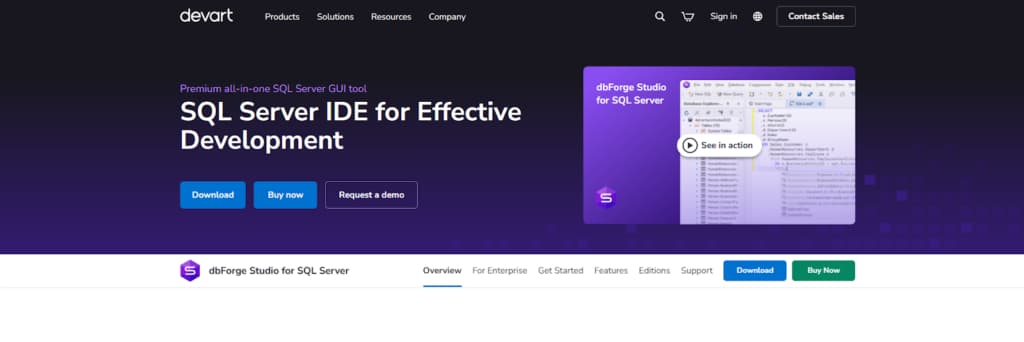
dbForge Studio for SQL Server from Devart is widely considered the best alternative to SQL Server Management Studio. It is an IDE built specifically for professionals who work with SQL Server every day, bringing together development, administrative tasks, data analysis, and automation in one place instead of switching between multiple tools.
Key capabilities include:
- All-in-one development: Visual query builder + powerful SQL editor with autocompletion, debugging, and unit testing.
- Full administration suite: User & security management, backup/restore, performance tuning, data import/export.
- DevOps & automation ready: Schema/data diff & sync scripts, Git/SVN/TFS integration, built-in reporting.
- Unified workspace: Single environment designed for SQL Server developers, DBAs, and analysts.
In its positioning, the tool is put forth as a strong and all-encompassing replacement for SSMS. It finds its best fit with teams that are focused on acquiring deep SQL Server capabilities while also insisting on the consolidation offered by a single, comprehensive interface for their work.
2. Azure Data Studio
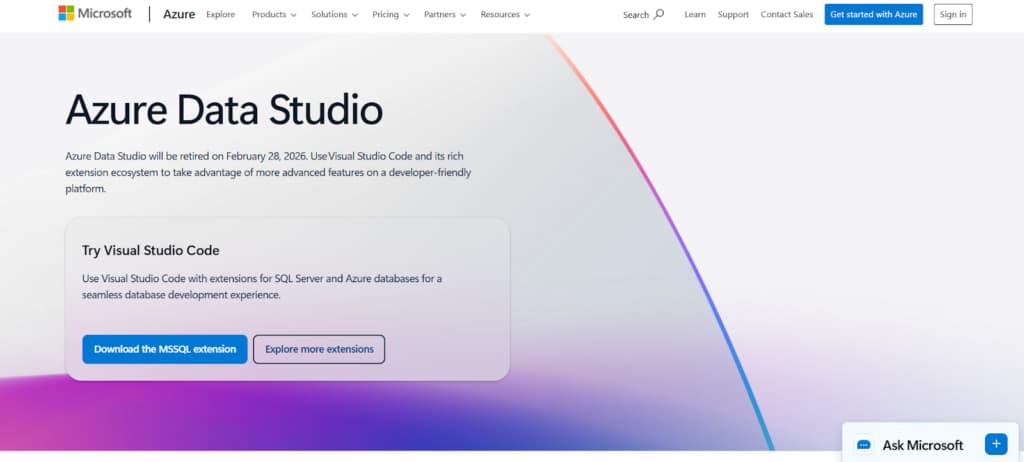
Azure Data Studio is Microsoft’s newer cross-platform database tool. It builds straight on Visual Studio Code, so you get solid editing: IntelliSense that actually works, quick code snippets, and Git right there in the sidebar.
Compared to SSMS, it leans hard toward development rather than admin tasks. The standout is notebooks — you can run SQL, show results, write explanations, all in one flowing document.
And the extension marketplace lets you grab only what you need: schema compare, better charts, whatever fits without bloating the install.
Main features:
- Runs natively across Windows, macOS, and Linux.
- Uses the Visual Studio Code foundation for a capable, up-to-date coding environment.
- Notebooks that combine SQL code, query results, and documentation in a single file.
- Extension marketplace to install extras — think schema diff tools, custom dashboards, and similar utilities.
It’s aimed at developers looking for a lightweight, modern tool with the same reliable feel on any operating system.
3. SQuirreL SQL Client
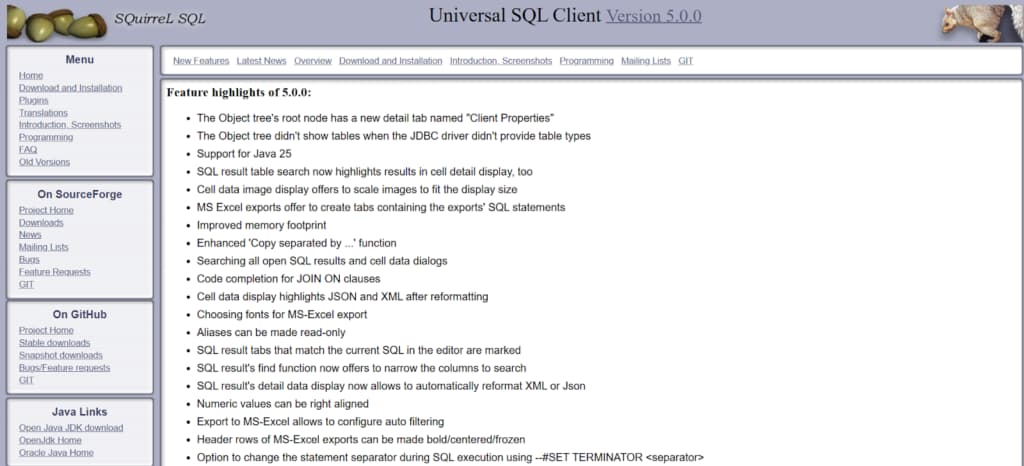
The primary benefit of SQuirreL SQL is its portability across any platform with Java. The client provides a simple, functional interface with standard features such as syntax highlighting and an object browser. Its defining characteristic is a plugin architecture.
Users can enhance the tool with additional capabilities, offering significant adaptability. This is especially useful in settings that use Java extensively and prioritize JDBC-driven flexibility.
Overall, it’s a lightweight, portable, and extensible client for teams operating in diverse or restricted environments.
4. DBeaver Community Edition
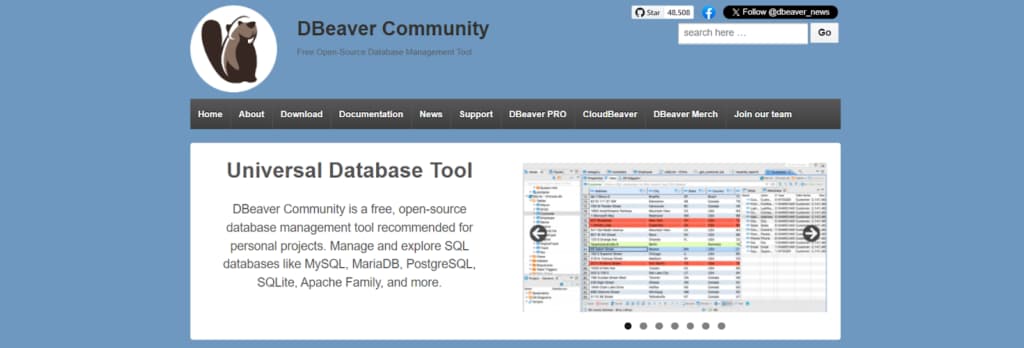
DBeaver Community is a multi-database tool. It connects to SQL Server, PostgreSQL, MySQL, Oracle, and many others. It’s cross-platform (Windows, Mac, Linux). The Eclipse-based interface is feature-rich, though it has a learning curve.
Main features:
- Wide Compatibility: Supports a vast range of database systems.
- Essential Tools: Includes query execution, data editing, and schema navigation.
- ER Diagrams: Creates visual diagrams of table relationships.
- Data Transfer: Robust import and export for common formats like CSV and Excel.
The main advantage is consistency—it provides one familiar tool for managing a mixed database environment.
5. HeidiSQL
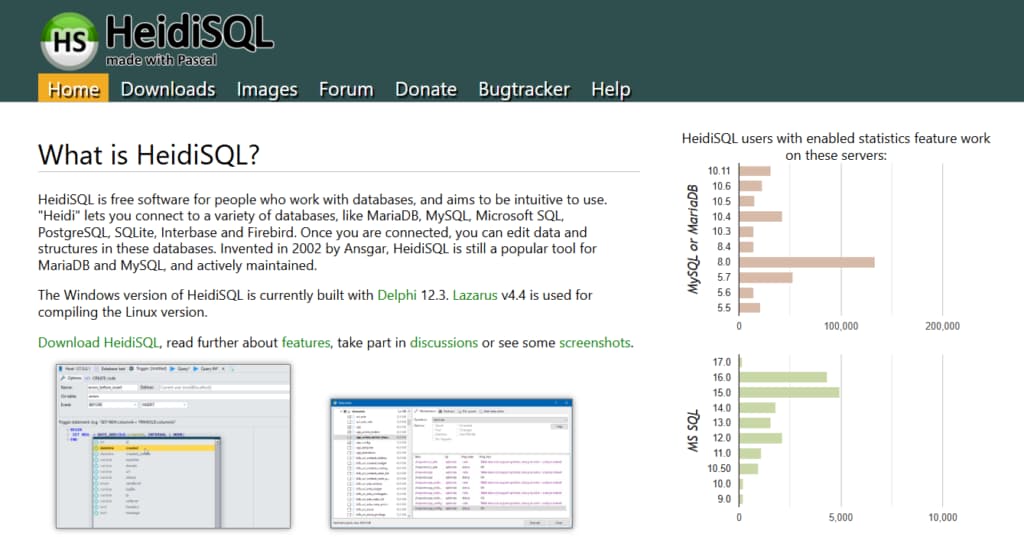
HeidiSQL is a solid, lightweight choice for Windows. It’s fast and simple, originally built for MySQL but now also supports SQL Server, PostgreSQL, and MariaDB.
It covers the essentials: a tabbed interface for queries, a data browser and editor, basic user management, and export/import functions.
A key practical advantage is portability. You can run it directly from a USB stick or folder without installing it, which is very useful in restricted IT environments.
Key points:
- Windows-Only: Designed specifically for the Windows ecosystem.
- Lightweight & Fast: Much less resource-intensive than SSMS.
- Portable: Can be used without installation.
- Multi-Database Support: Handles SQL Server, MySQL, PostgreSQL, and MariaDB.
It’s a solid, no-fuss choice for quick access and everyday tasks on Windows machines where SSMS feels too heavy.
Conclusion
Database work has moved on. The job now requires tools that handle integration and automation as a given, not an extra. What’s “best” depends entirely on your team’s situation—are you cloud-first? Do you need an airtight version control?
Weigh your core needs against what’s out there. Pick something that fits your actual technical workflow and helps you meet your objectives.